SentrySync helps security and facility-service teams verify personnel presence, document required work, capture incidents, and give clients a clearer operational record of what happened at each site.
Built for teams responsible for people, sites, required tasks, incidents, and client documentation.
Confirm that the assigned person arrived, remained where required, and completed defined checks.
Capture site activity, photographs, incidents, timestamps, notes, and required tasks in one workflow.
Give operations leaders and clients a clearer record when coverage, performance, incidents, or contract obligations are questioned.
Most operations teams can describe what should have happened. SentrySync helps you document what actually happened so you can answer client questions, support internal reviews, and improve future coverage.
When a worker misses a scheduled check-in or a post goes unverified, supervisors see it in the dashboard. No waiting for a client to call and ask where the officer was.
Workers can document incidents with timestamps, location data, notes, and photographs. The record is attached to the shift, not scattered across text messages and voicemails.
Escalation procedures route missed check-ins and alerts to the right supervisor. The response is documented, not left to memory or ad hoc calls.
Shift activity, check-ins, missed contacts, alerts, and supervisor actions are captured in one place. When a client asks what happened Tuesday night, you can show them.
Shift Activity Record
Check-ins, alerts, missed contacts,
supervisor actions, and timestamps
captured in one audit-ready log.
Follow the shift from verified arrival through required work, exceptions, documentation, and client reporting.
Confirm the identity of the person responsible for the shift, post, route, or required work.
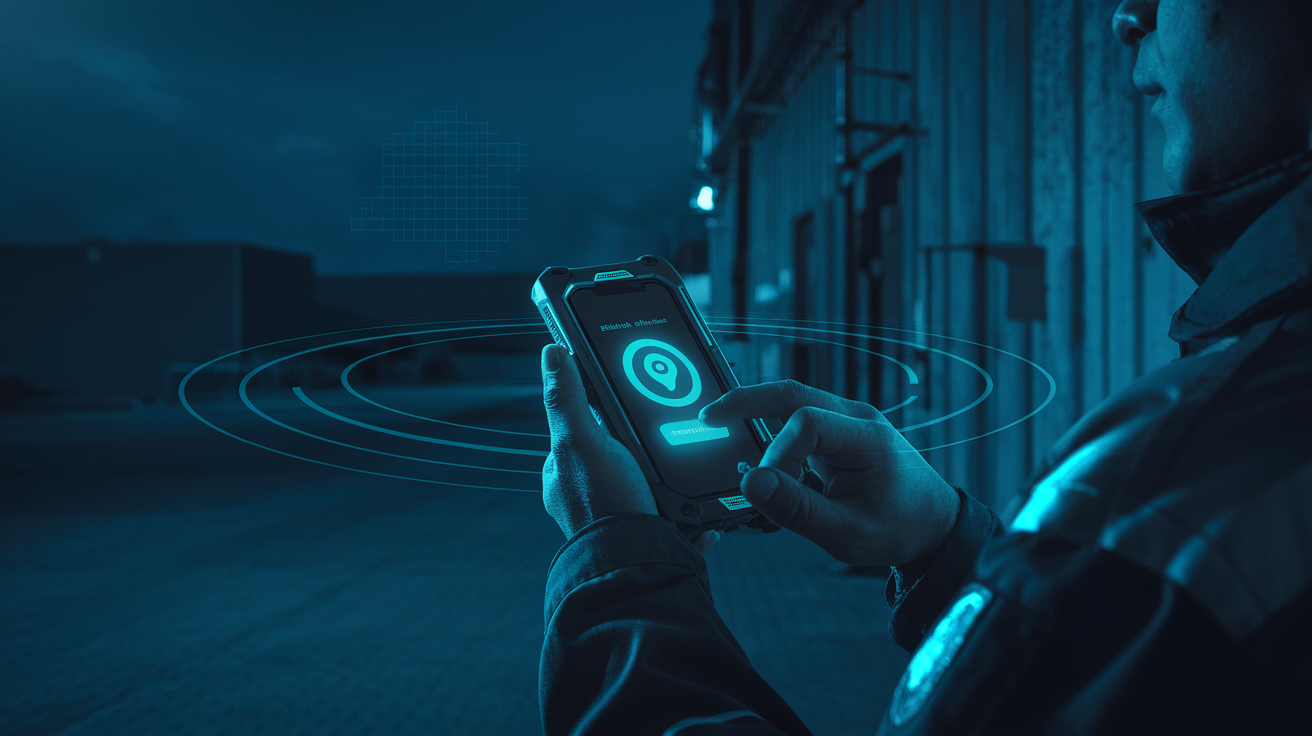
Record arrival at the assigned location and confirm presence within the approved site or geofence.
Guide the user through required patrol checks, tasks, checkpoints, site duties, or service requirements.
Capture photographs, notes, timestamps, incidents, exceptions, and other required supporting information.
Surface missed requirements, late arrival, incomplete work, or other exceptions that may require supervisor review.
Organize site activity, completed requirements, incidents, notes, and supporting documentation into a clearer operational record.
SentrySync helps supervisors identify exceptions, review the available record, contact the responsible person, document the response, and preserve what happened for later review.
The accountability problem may be similar, but a security post, janitorial shift, facility contract, and client oversight workflow are not the same. Explore the experience built for your role.
Verify post coverage, patrol completion, incidents, officer activity, and client documentation.
Maintain visibility across posts, properties, shifts, patrol requirements, and exceptions.
Confirm attendance, area completion, missed tasks, inspections, and proof of service.
See a Sample Proof-of-Service Report →
Coordinate multiple sites, service teams, subcontractors, required tasks, and client reporting.
Below is an illustrative example of the type of shift activity record SentrySync can produce. All data shown is sample data for demonstration purposes.
SentrySync combines worker-facing check-ins and alerts with supervisor-facing visibility and documentation tools.
View active workers, missed check-ins, alerts, assigned sites, and shift activity in one operational view.
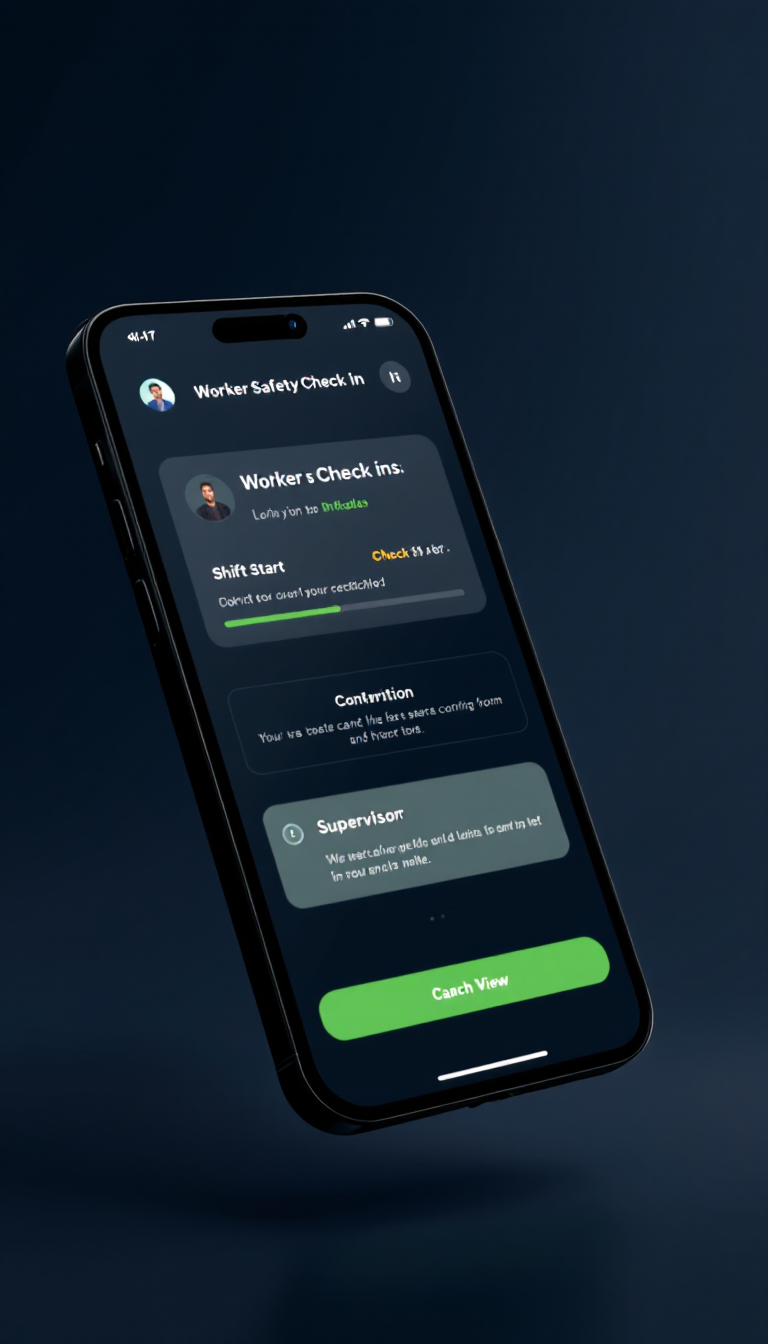
Scheduled prompts help confirm worker status during active shifts.
Workers can request help from designated supervisors when making a phone call is not practical.
Supervisors can review worker location during active shifts, check-ins, and incidents.
Check-ins, missed contacts, alerts, and supervisor follow-up can be captured for review.
Build workflows around teams, shifts, sites, check-in intervals, escalation steps, and reporting expectations.
In 30 minutes, we will review your current process for verifying personnel presence, documenting required work, capturing incidents, and producing client-ready records. You will leave with a clear picture of where the gaps are and which one to close first.
Start with three details and we will handle the rest on the call.
On the call, we will review your current coverage-verification process, identify documentation gaps, discuss supervisor follow-up burden, select one potential pilot site or workflow, and recommend pilot measures.