Lone-worker safety is one part of SentrySync's broader approach to verified shifts, documented exceptions, and clearer operational records. SentrySync helps your team structure check-in requirements, surface missed contacts, support worker alert workflows, and preserve a record of what happened during the shift, so supervisors can respond with a defined process instead of guesswork.
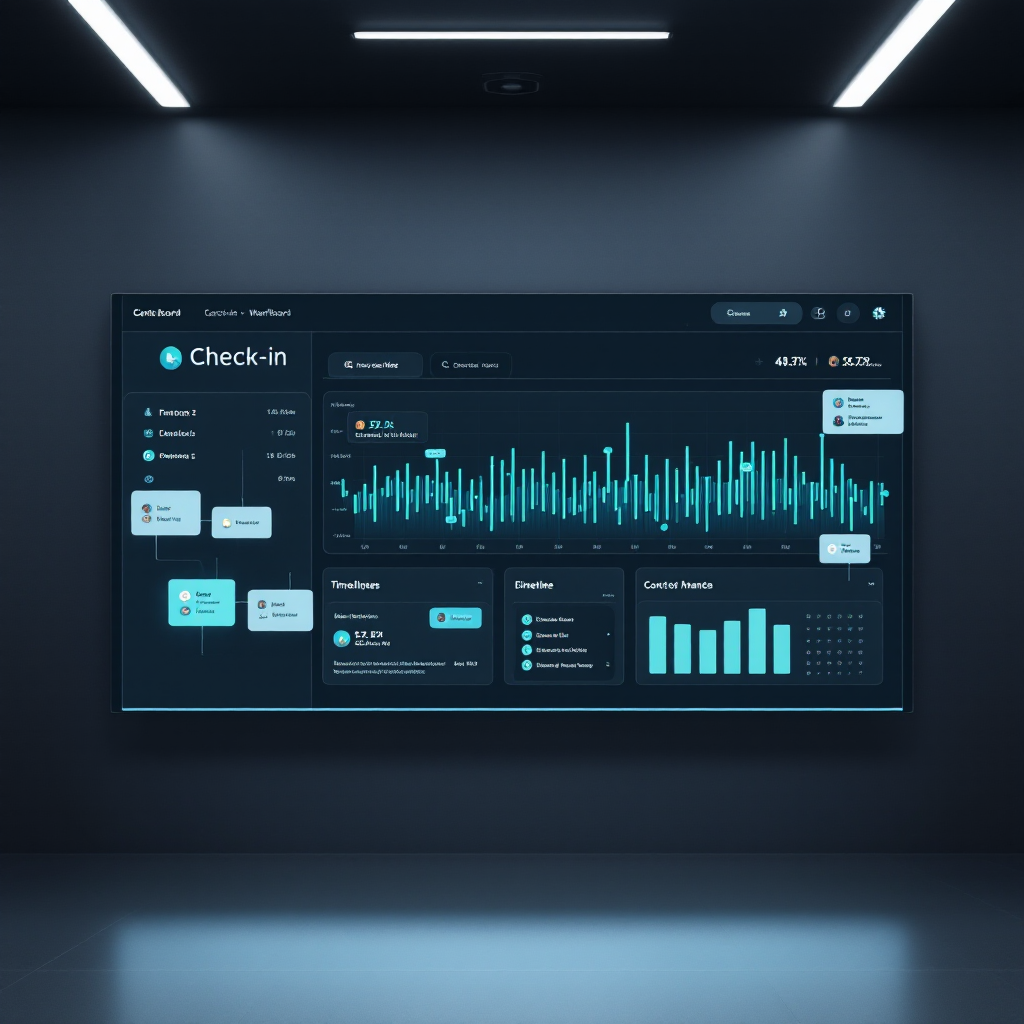
When a worker misses a check-in or sends an alert, supervisors need a clear process, not a scramble. Without a defined workflow, teams rely on memory, ad hoc texts, and improvised phone trees. The result is delayed awareness, inconsistent follow-up, and gaps in documentation. SentrySync helps you define what happens when a check-in is missed, who gets notified, what the escalation steps are, and how the response is recorded.
Six structured steps from check-in requirement to shift history.
Set check-in intervals and requirements based on shift type, site risk, and team structure so expectations are clear before the shift begins.
Workers confirm their status at required intervals using the SentrySync device. Each check-in is timestamped and logged.
When a worker misses a required check-in, the system surfaces the missed contact so supervisors can see it and act on it.
Workers can send a help request alert to designated supervisors when calling is not practical or safe.
Define who gets notified, in what order, and what actions should follow, so the response does not depend on memory.
Check-ins, missed contacts, alerts, and supervisor actions are recorded for review, documentation, and continuous improvement.
Core capabilities that support your team's check-in and alert response process.
Set required check-in intervals based on shift type, site conditions, and team structure. Workers confirm status at each interval.
When a worker misses a required check-in, the missed contact is surfaced on the supervisor dashboard for review and follow-up.
Workers can send a structured help request to designated supervisors when making a phone call is not practical or safe.
Designated supervisors can receive notifications when a check-in is missed or a worker sends an alert, based on your escalation plan.
When a check-in is missed or an alert is sent, supervisors can see the worker's last known location to support their response.
Define escalation steps so missed check-ins and alerts follow a structured process, not improvised phone trees.
Check-ins, missed contacts, alerts, and supervisor actions are logged for post-shift review, documentation, and process improvement.
Our team reviews your current check-in and alert workflows and helps you configure SentrySync to support your specific response process.
Let our team walk through your current process and help you configure SentrySync to support a structured check-in and alert response workflow for your team.