SentrySync helps supervisors support field teams with check-in status, missed check-in visibility, worker alert workflows, location context during active shifts, supervisor dashboard review, and shift activity history.
Field teams work across buildings, routes, properties, job sites, client locations, or after-hours shifts. Supervisors often rely on phone calls, texts, radios, paper logs, spreadsheets, or memory to keep track of who is where and what is happening.
These methods create gaps. Updates arrive late, get lost, or never arrive at all. When something goes wrong, supervisors may not know until well after the fact.
SentrySync supports clearer field visibility without constant surveillance, giving supervisors a structured way to see field activity, review check-in status, and follow up on missed check-ins.

Six structured steps that help supervisors stay informed without chasing updates.
Identify which workers, roles, and sites need visibility support. Set up teams by location, shift, or assignment.
Define check-in intervals, methods, and expectations for each team or shift type.
See which workers are currently active, which shifts are in progress, and where coverage is assigned.
When a worker misses a scheduled check-in, supervisors can be notified so they can follow up.
Include location data during active shifts to help supervisors understand where workers are assigned or last checked in.
Capture check-ins, missed contacts, alerts, and supervisor actions for later review and documentation.
Core capabilities that support field team visibility across locations, shifts, and team structures.
See which workers are currently on shift, where they are assigned, and when their shift started.
View the latest check-in status for each worker, including time, method, and confirmation.
Surface missed check-ins so supervisors can review and follow up according to the response plan.
Support structured alert workflows so workers can request help and supervisors can be notified.
Add location context during active shifts to help supervisors understand where workers are or were last seen.
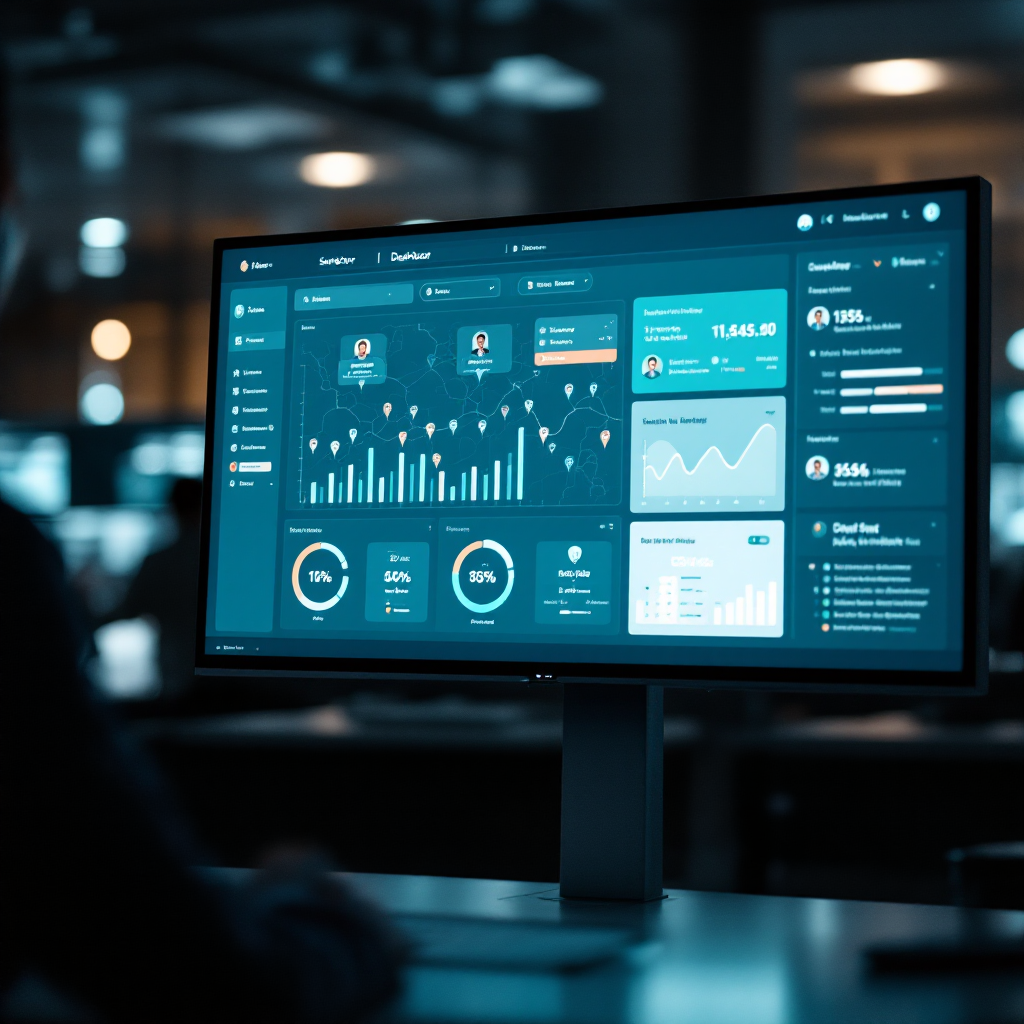
One operational view for worker status, alerts, locations, check-in history, and shift activity.
Capture and preserve check-ins, alerts, missed contacts, and supervisor actions for review.
Support visibility across multiple locations, properties, routes, or job sites from one dashboard.
Book a safety workflow review to discuss your team's visibility gaps, check-in methods, and how SentrySync may support your operations.
SentrySync supports field team visibility workflows, scheduled check-ins, missed check-in visibility, worker alert workflows, location context during active shifts, supervisor review, escalation workflow support, and shift activity history. It does not guarantee worker safety, emergency response, incident prevention, compliance improvement, cost savings, productivity improvement, or implementation timelines. It is not a substitute for 911, emergency services, alarm monitoring, or a dedicated emergency dispatch service.