TRACKtech powers SentrySync, bringing structured mobile workflows, connected devices, supervisor visibility, and accountable check-in systems to lone-worker safety and field operations teams.
TRACKtech builds technology for structured mobile workflows, connected devices, supervisor dashboards, check-ins, location context, documentation, and workflow visibility.
SentrySync brings that experience to lone-worker safety for teams in security, janitorial, facilities, property management, home services, and field operations.
Rather than building another generic safety app, TRACKtech designed SentrySync around the operational realities of field teams, workers who are alone, mobile, or out of direct sight, and supervisors who need structured visibility into what is happening during the shift.

Many field teams still depend on calls, texts, radios, paper logs, and memory to manage worker safety during shifts. These methods leave gaps, missed contacts go unnoticed, alerts depend on someone remembering to follow up, and there is no clear record of what happened.
SentrySync was created to structure those workflows with:
Six core capabilities shaped by years of building technology for mobile field teams.
Replace ad hoc texts and calls with defined steps for check-ins, alerts, escalation, and documentation, designed for workers in the field.
SentrySync is designed to work on connected devices that workers carry during shifts, purpose-built for field conditions, not desktop use.
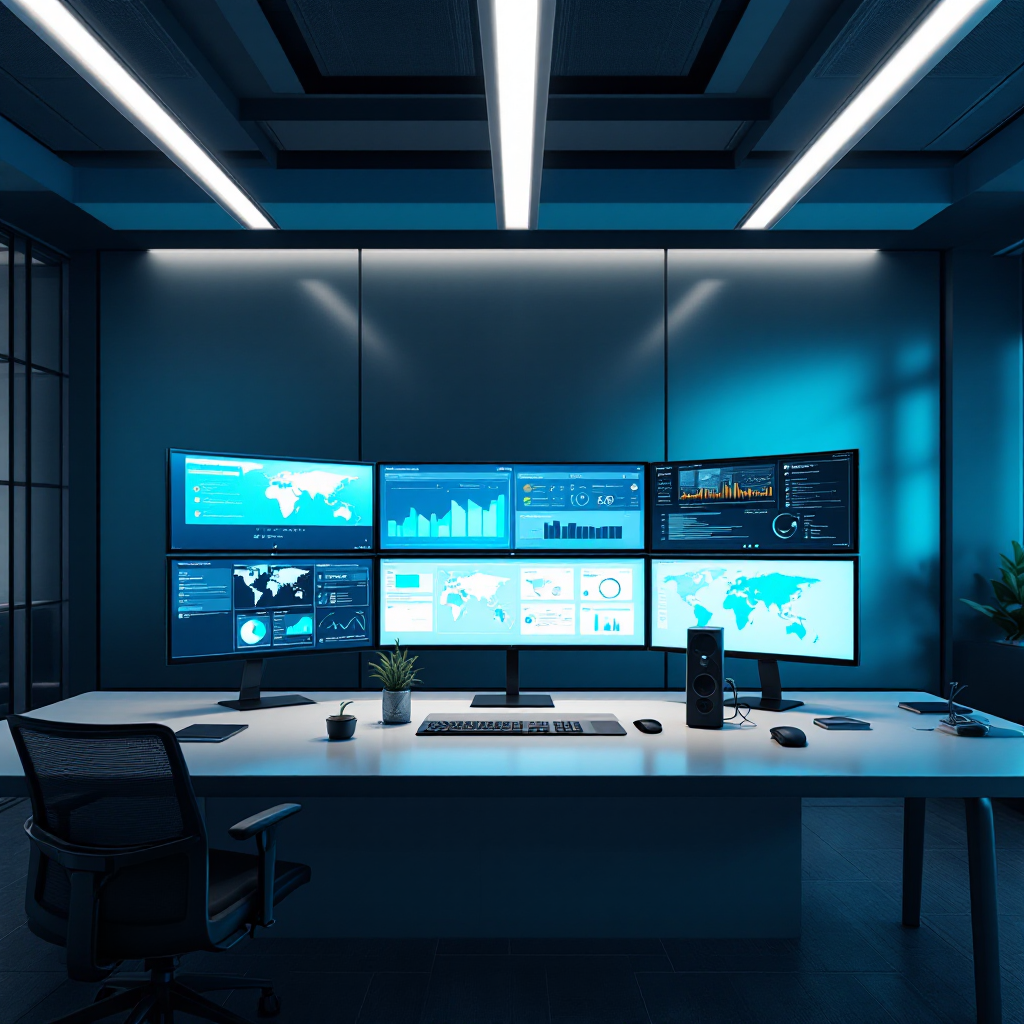
Give supervisors a clear view of who is active, who missed a check-in, who sent an alert, and what happened during the shift, from one dashboard.
Scheduled check-ins create a rhythm of accountability, confirming worker status at defined intervals throughout the shift.
Capture shift activity, check-ins, alerts, missed contacts, and response actions in a reviewable record, reducing reliance on memory and paper logs.
TRACKtech supports practical rollout, helping teams define workflows, configure check-in schedules, assign roles, and start with a measured deployment.
SentrySync is designed for teams where workers are alone, mobile, or out of direct sight, and supervisors need structured visibility into shift activity.

Four principles that guide how SentrySync is designed, built, and deployed.
Every feature starts with the workflow, not the technology. SentrySync is designed around how supervisors and workers actually operate in the field.
SentrySync is built for real field conditions, not ideal scenarios. It works for teams with varying tech comfort, shift patterns, and site complexity.
Workers check in and send alerts. Supervisors review, respond, and manage. SentrySync keeps roles clear so everyone knows what they are responsible for.
Start with one team, one site, or one shift. Validate the workflow before expanding. TRACKtech supports phased implementation, not rushed deployments.
Use these questions to determine whether SentrySync is a good fit for your team's safety workflow needs.
Book a safety workflow review to discuss your team's structure, current processes, and whether SentrySync is a practical fit for your field operations.