SentrySync helps home services companies support field technicians and mobile crews with structured check-ins, missed check-in visibility, worker alert workflows, location context, supervisor review, escalation support, and shift activity history.
Built for HVAC, plumbing, electrical, pest control, cleaning, landscaping, and general home services teams.
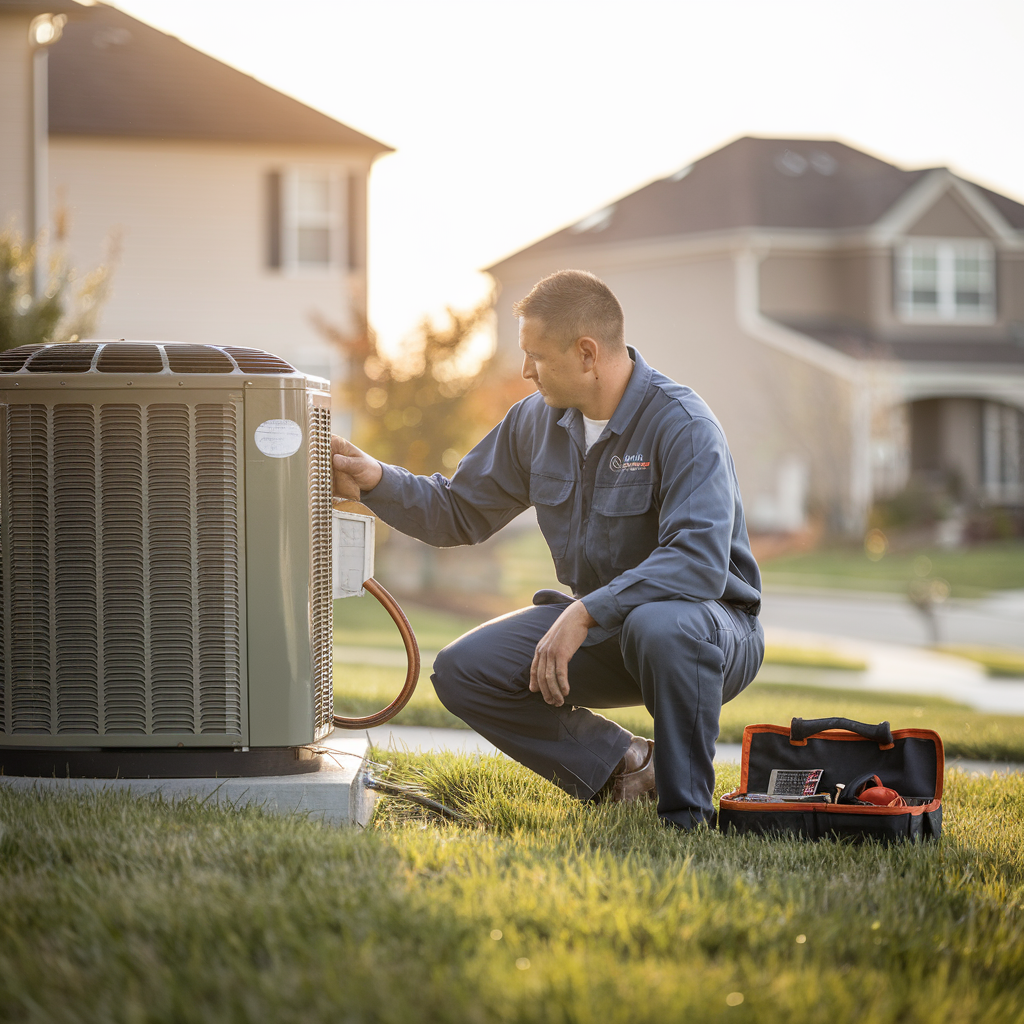
Home services technicians frequently work alone at customer locations , inside homes, on rooftops, in crawl spaces, and across unfamiliar neighborhoods. Supervisors may not know whether a worker arrived safely, completed a job, or needs help.
When technicians are dispatched across a service area, direct oversight is limited. Workers may be inside a customer's home, working in a basement, or on a roof , places where a quick radio check or text message may not be practical.
After-hours service calls, weekend shifts, and emergency dispatches add additional risk. If a worker misses a check-in or encounters a problem, there may be no structured way for supervisors to know , until someone calls to ask.
Paper logs, group texts, and manual call-arounds leave gaps in documentation and make it harder to review what happened during a shift. Supervisors need a clearer workflow , not another text thread.

Six steps that help supervisors stay connected to field crews , before, during, and after every shift.
Set up your service teams, assign routes or territories, and define shift schedules so supervisors know who is working where.
Configure check-in intervals that match your service patterns , hourly, between jobs, or at key points during the shift.
When a worker misses a scheduled check-in, supervisors are notified so they can follow up according to the response plan.
Give workers a structured way to request help from designated supervisors when calling is not practical or safe.
Help supervisors see where workers are during active shifts and incidents, adding context to check-ins and alerts.
After the shift, review check-ins, alerts, missed contacts, and supervisor follow-up in a structured activity log.
Eight capabilities designed to support mobile crews, field technicians, and the supervisors who manage them.
Scheduled safety prompts help confirm workers are okay throughout the shift, between service calls, or at key intervals.
Help supervisors see which routes and service areas are covered, and where workers are during active shifts.
Surface missed contacts so supervisors can review and follow the response plan sooner , before small gaps become bigger problems.
Give workers a structured way to request help from designated supervisors when making a phone call is not practical.
View worker status, alerts, locations, assigned routes, and activity from one operational dashboard.
Support defined response plans so missed check-ins and safety alerts do not depend on memory or ad hoc texts.
Create a clearer record of check-ins, alerts, missed contacts, and supervisor follow-up for post-shift review.
Support workers during evening, weekend, and after-hours service calls when direct supervision is limited or unavailable.
Book a safety workflow review to see how SentrySync helps home services companies support field technicians, mobile crews, and lone workers with structured check-ins and supervisor visibility.
SentrySync is a safety workflow support tool. It does not guarantee worker safety, prevent incidents, or replace emergency services, 911, or professional emergency dispatch. Check-in prompts, alerts, and location features support internal safety workflows and supervisor visibility , they do not constitute emergency response. Results vary by workflow, team structure, and implementation. SentrySync does not make compliance claims or guarantee regulatory adherence. Organizations are responsible for their own safety policies, training, and emergency response plans.